Custom mailboxes
Use addresses connected to your organization’s domain.
Digital identity
Create mailboxes and aliases for your business domain in ArgyHost and manage hosting, DNS, and email from one dashboard.
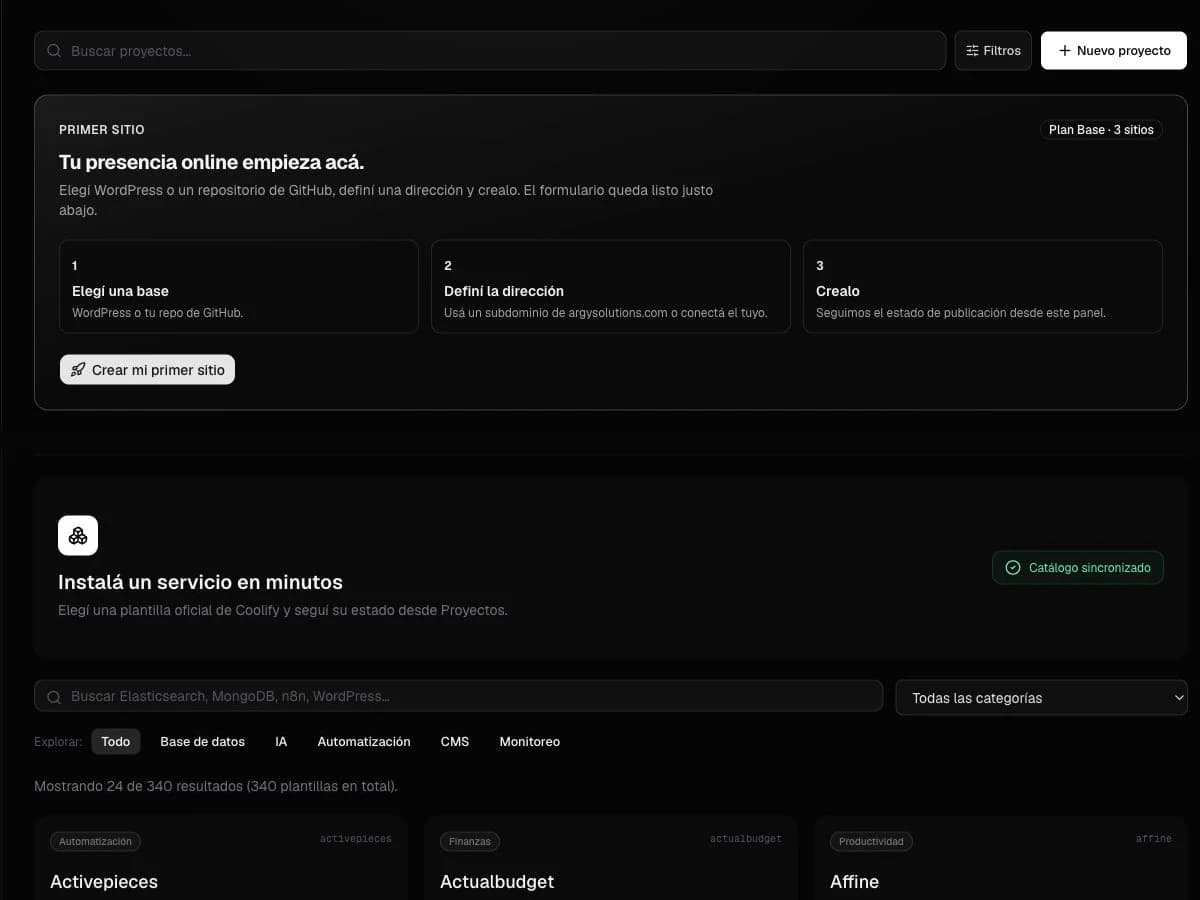
Use addresses connected to your organization’s domain.
Organize public addresses by team without scattered administration.
Keep your domain, records, and email in the same workspace.
Business email uses your company domain instead of a generic free address. Sales, support, and administration addresses build a consistent identity and separate each team’s conversations.
ArgyHost lets you create mailboxes and aliases for domains managed on the platform.
A mailbox stores messages and has its own credentials. An alias forwards an additional address to an existing mailbox. Together they organize public contact without creating unnecessary accounts.
The right choice depends on who needs to access, reply to, and retain the messages sent to each address.
DNS records determine how a domain connects to both web and email services. Managing them with hosting reduces steps and makes each service relationship easier to review.
ArgyHost keeps these pieces in one workspace alongside your project status.
Direct answers before choosing this solution.
Yes. Business email uses your company domain, such as yourbusiness.com, to create addresses.
A mailbox has storage and its own access. An alias delivers to an existing address without a separate account.
Yes. ArgyHost brings web projects, domains, DNS, SSL, mailboxes, and aliases together.
Explore the product, its current capabilities, and how to start from the portal.