Connect GitHub
Authorize the GitHub app and pick a repository.
Deployments with ArgyHost
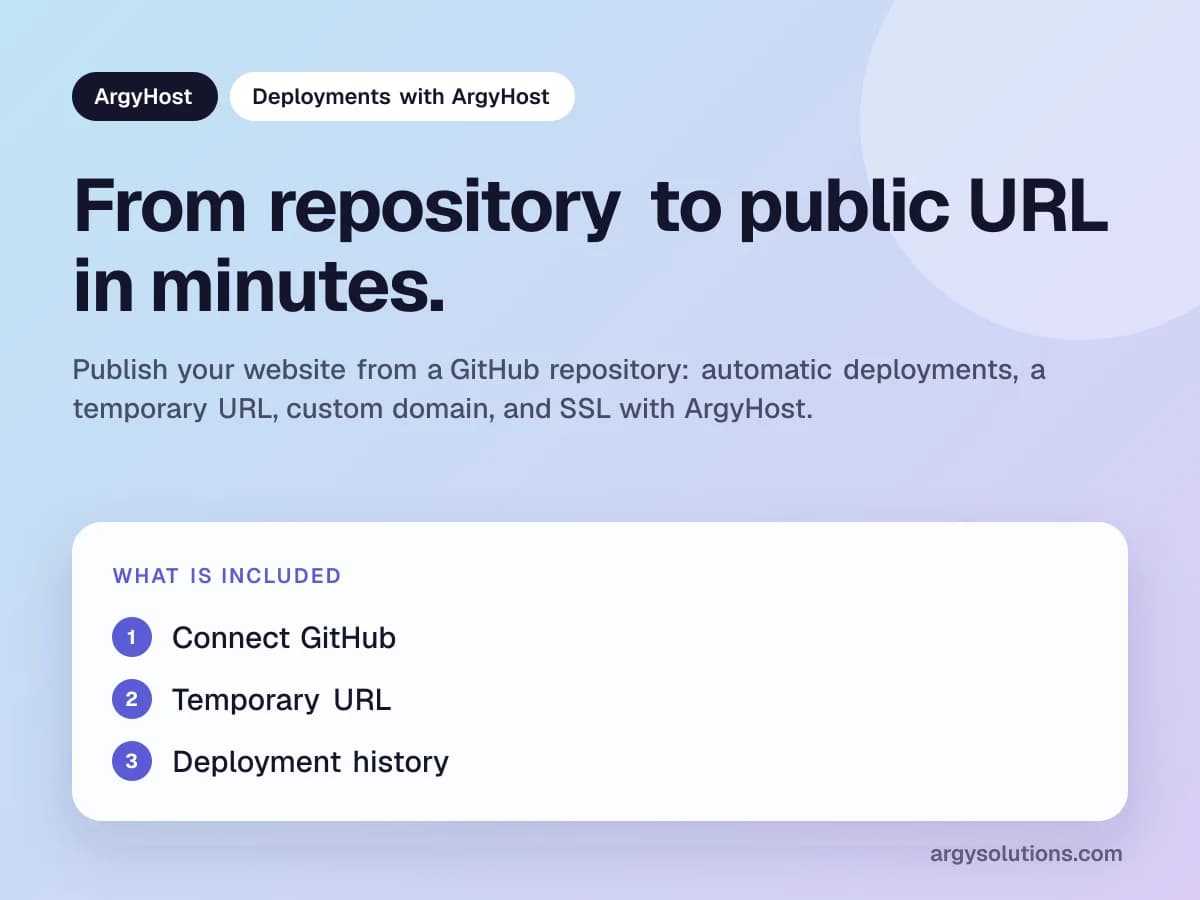
Publish your website from a GitHub repository: automatic deployments, a temporary URL, custom domain, and SSL with ArgyHost.
Authorize the GitHub app and pick a repository.
Review the live site before connecting a domain.
Status, logs, and errors for every release.
Connect GitHub, choose the repository and branch, and ArgyHost detects the project type, builds it, and publishes it to a public URL. Then connect your domain and SSL is configured automatically.
Static HTML sites without a repository can be uploaded directly from the dashboard.
Direct answers before choosing this solution.
No. The GitHub app accesses the repositories you authorize, public or private.
Practical articles to decide with more context.
How to put a website online: static HTML, GitHub projects, WordPress, or site builders, plus connecting your domain.
Explore the product, its current capabilities, and how to start from the portal.